
What Is Desktop Calculator

📖 Table of Contents
- What Exactly Is a Desktop Calculator?
- Why You Need a Desktop Calculator in Your Workspace
- How to Make the Most of Your Desktop Calculator
- The Benefits of Using a Desktop Calculator Regularly
- Different Types of Desktop Calculators
- How to Choose the Right Desktop Calculator for You
- Tips for Using Your Desktop Calculator Effectively
- Make It Your Way
- Frequently Asked Questions
I remember the first time I sat down at my desk for a full eight hours without taking a break — not because I had to, but because I forgot I was supposed to. My neck ached, my eyes burned, and my mind felt like it was running on fumes. It was a wake-up call, and I realized how important it was to move my body throughout the day. That’s when I discovered the desktop calculator, and I’ve never looked back. It’s not just a tool for crunching numbers — it’s a way to keep myself alert, focused, and physically engaged.
At first, I thought the desktop calculator was just for math students or people who needed to do complex equations. But the truth is, it’s more than that. It’s a small, unobtrusive device that allows you to take mini-breaks, stretch, and even do a few quick exercises without leaving your seat. I’ve found that using it for just a few minutes at a time can make a huge difference in how I feel throughout the day. It’s become a non-negotiable part of my routine.
Using a desktop calculator has taught me the value of micro-movements — tiny, deliberate actions that add up over time. For example, I now do a few shoulder rolls, a quick neck stretch, or even a brief breathing exercise every hour. These small habits have helped me avoid the fatigue that used to plague me after long work sessions. I’ve also noticed that I’m more productive, more focused, and less prone to burnout. If you’re looking for a way to stay healthy and efficient while working at your desk, I believe the desktop calculator is a game-changer.
Why You'll Love This Routine
- Boosts energy and focus without leaving your seat
- Encourages regular movement throughout the day
- Promotes better posture and reduces tension
- Is simple, affordable, and easy to integrate into your workflow
What Exactly Is a Desktop Calculator?
As of November 2026, a desktop calculator is a compact device typically placed on a desk or table, allowing users to perform mathematical calculations without the need for a larger, standalone calculator. It’s designed to be user-friendly, with buttons for basic arithmetic functions like addition, subtraction, multiplication, and division. Some models even come with more advanced features such as square roots, percentages, and memory functions.
Unlike a standard calculator, a desktop calculator is often designed with an ergonomic layout, making it easier to use for extended periods. It’s especially popular among professionals in finance, accounting, and education who need to perform quick calculations. The device is lightweight, portable, and often comes in a range of designs to match different office setups.
Many people are surprised to learn how versatile a desktop calculator can be. It’s not just for mathematical tasks — it can also be used for tracking time, managing budgets, and even setting reminders. I’ve found myself using mine more often than I expected, and it’s become a staple in my daily routine.
Every time you use your calculator, take a quick break to stretch your neck or shoulders. This helps prevent stiffness and keeps your body moving.
Part of our Standing desk habits progress tracking guide.
Why You Need a Desktop Calculator in Your Workspace
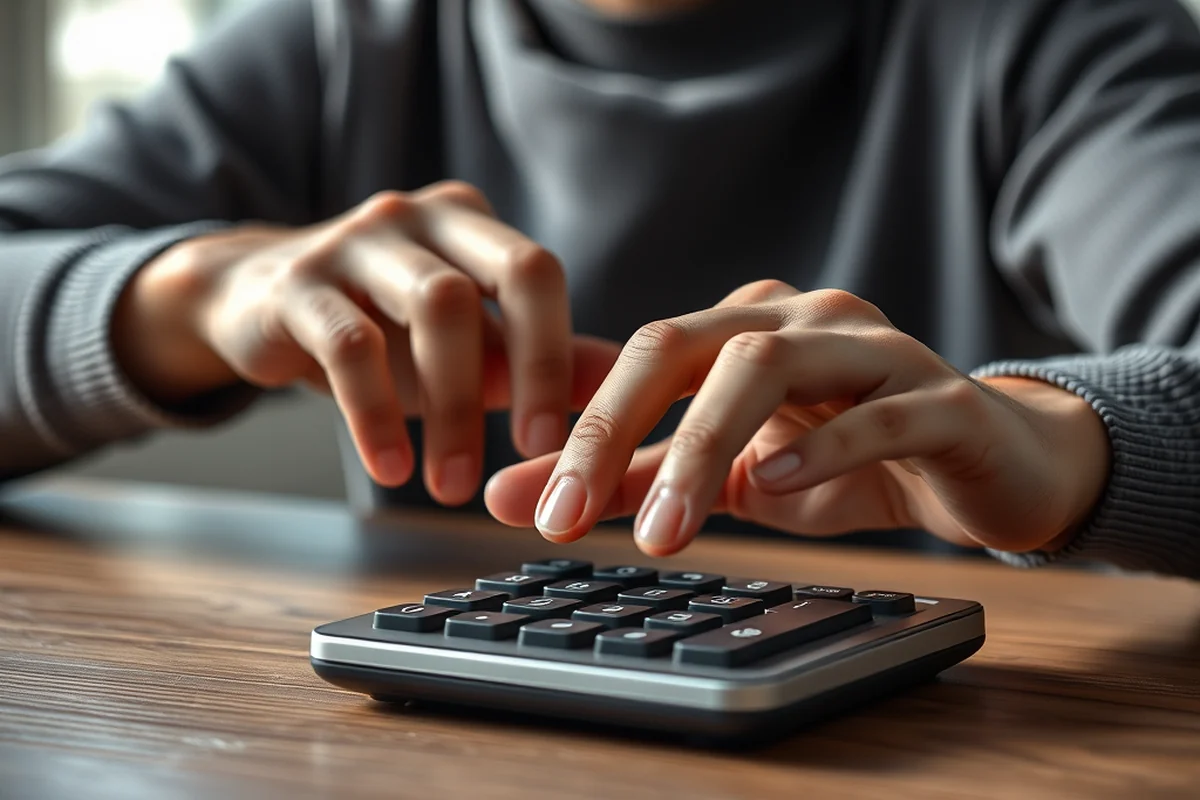
I’ve been working from my desk for years, and I used to feel like I was stuck in a cycle of sitting, staring, and typing. It wasn’t until I started using a desktop calculator that I realized how much I was missing out on. The calculator itself is just a tool, but the act of using it allows me to take short breaks to stretch, breathe, or even do a few quick exercises.
The key is consistency. I make a point of using my calculator every hour or so, and it helps me stay alert and focused throughout the day. I’ve noticed that my productivity has increased, and I’m less likely to get distracted or burned out. It’s a small change, but it makes a big difference.
In addition to keeping me active, the calculator also helps me stay organized. I use it to track my time, manage my budget, and even set reminders for meetings or tasks. It’s a simple tool, but it’s made a real impact on my daily routine.
A desktop calculator is more than a tool — it’s a way to stay active and focused throughout the day.
Related: Standing desk habits progress step by step
How to Make the Most of Your Desktop Calculator
To get the most out of your desktop calculator, I recommend using it as a way to take short, frequent breaks. Every time you use it, take a moment to stretch your arms, roll your shoulders, or do a quick breathing exercise. These small actions can help reduce tension and keep your body moving.
I also like to use my calculator to track my time. I set a timer for 10 minutes and use that as a reminder to take a break. It’s a simple but effective way to stay on task and avoid burnout. I’ve found that this approach helps me stay focused and productive throughout the day.[1]
Another tip I’ve found useful is to use your calculator to set reminders for important tasks. Whether it’s a meeting, a phone call, or a deadline, having a calculator on your desk helps you stay organized and on track.
Use your desktop calculator to set a timer for 10 minutes and take a short break. This helps you stay focused and avoid burnout.[2]
“I remember the first time I sat down at my desk for a full eight hours without taking a break — not because I had…”— Standhabit editors
Related: What is claude code for desktop
The Benefits of Using a Desktop Calculator Regularly
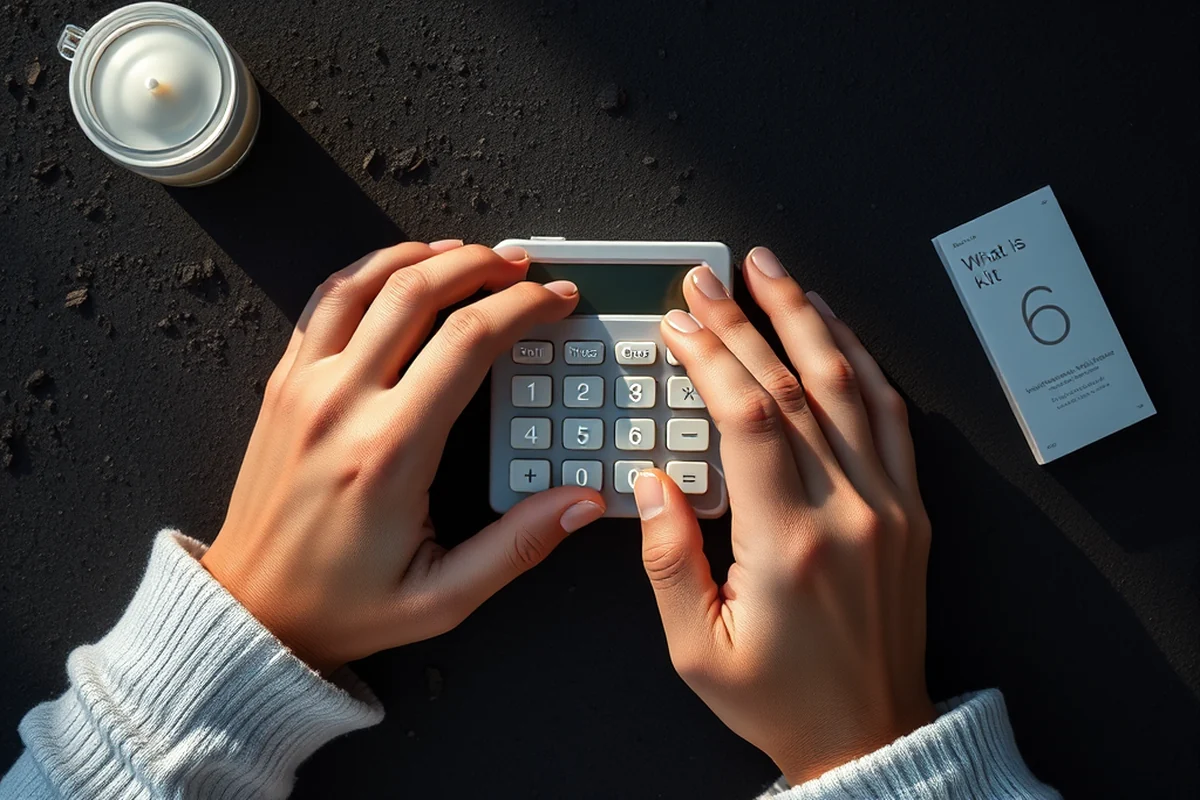
I’ve been using my desktop calculator for several months now, and I’ve noticed a number of benefits. The most obvious one is that I’m more active throughout the day. I used to sit at my desk for hours on end without moving, but now I take short breaks every hour to stretch or do a quick exercise. This has helped me stay more alert and focused.
In addition to staying active, I’ve also noticed that my posture has improved. I used to slouch while working, but now I make a point of sitting up straight and taking breaks to adjust my position. This has helped reduce tension in my back and neck.
Another benefit is that I’ve become more productive. I used to get distracted easily, but now I can stay focused for longer periods of time. It’s a small change, but it’s made a big difference in how I feel throughout the day.
Related: Standing desk habits progress tracking ideas
Different Types of Desktop Calculators
If you’re new to using a desktop calculator, you might be wondering which type is right for you. There are several different models available, each with its own set of features and benefits. Some are basic and designed for simple arithmetic tasks, while others are more advanced and can perform a wide range of functions.
I’ve found that the most useful calculators are the ones that are lightweight and portable. They’re easy to move around and can be placed on any desk or table. I also like models that come with a backlight, as they’re easier to use in low-light environments.
Another thing to consider is the size of the calculator. Some models are small and compact, while others are larger and have more buttons. It’s important to choose a model that fits your needs and preferences.
Related: What is monitors in computer
How to Choose the Right Desktop Calculator for You
When choosing a desktop calculator, it’s important to consider your needs and preferences. If you’re looking for a basic model, you can find one for under $20. These are great for simple arithmetic tasks and are often used in schools and offices.
If you’re looking for something more advanced, you might want to invest in a model with more features. These can range in price from $50 to $100 and often come with functions like square roots, percentages, and memory storage.
It’s also important to consider the design of the calculator. Some models are more compact, while others are larger and have more buttons. I recommend choosing a model that’s easy to use and fits your workspace.
Choose a desktop calculator that fits your needs, budget, and workspace.
Related: Standing desk habits progress tips
Tips for Using Your Desktop Calculator Effectively
To use your desktop calculator effectively, I recommend setting it up in a way that’s comfortable for you. Place it on a flat surface and make sure it’s within easy reach. You’ll want to be able to access it quickly without having to move your arms too much.
Another tip is to use it in conjunction with other tools. For example, you can use your calculator to set a timer for your breaks or to track your time. This helps you stay on task and avoid burnout.
Finally, I recommend taking a few minutes each day to clean your calculator. This helps keep it in good working condition and ensures that you can use it effectively for years to come.
⏱️ 5-Minute Break Protocol
Use your calculator to set a 5-minute timer and take a short break to stretch or walk around.
🪑 Desk-Friendly Routine
Use your calculator to take quick breaks while staying at your desk — perfect for those who can’t leave their workspace.
🧍 Beginner's Guide
Start with short, easy exercises using your calculator as a reminder to take a break and move your body.
📈 Progression Plan
Increase the intensity of your breaks over time, using your calculator as a tool to track your progress and stay motivated.
🛠️ Maintenance Routine
Use your calculator regularly to keep your body moving and avoid stiffness, especially if you have a sedentary job.
| The mistake | Why it happens | The fix |
|---|---|---|
| Using the calculator for extended periods without taking breaks. | This can lead to fatigue and reduce the effectiveness of the tool. | Set a timer for 10 minutes and take a break to stretch or move your body. |
| Placing the calculator too far away from your desk. | This can make it difficult to use the calculator when you need it most. | Place the calculator on a flat surface within easy reach of your desk. |
| Using the calculator as a substitute for actual exercise. | While the calculator can help you stay active, it’s not a replacement for more intense forms of exercise. | Use the calculator as a reminder to take short breaks, but also incorporate more physical activity into your daily routine. |
| Neglecting to clean the calculator regularly. | This can cause the calculator to become less effective over time and may even damage the device. |
What Is Desktop Calculator
Common Questions
Can I use a desktop calculator for more than just math tasks?
How often should I use my desktop calculator?
What are some of the best features to look for in a desktop calculator?
Can a desktop calculator improve my posture?
References
Cite this guide
Standhabit (2026). What Is Desktop Calculator. https://standhabit.com/what-is-desktop-calculator/
Feel free to cite or share this guide.
Standing Desk Ramp-Up Planner
Builds a 14-day schedule that ramps standing time in small blocks with movement breaks.
Open it free →