
What Is Desktop Apps and How Do They Work?

📖 Table of Contents
- What Exactly Are Desktop Apps?
- How Desktop Apps Support Posture and Ergonomics
- Stress Reduction Through Mindfulness Apps
- Encouraging Movement with Micro-Breaks
- Tracking Health Metrics with Desktop Apps
- Customizing Your Experience with Desktop Apps
- The Long-Term Benefits of Using Desktop Apps
- Make It Your Way
- Frequently Asked Questions
I remember the first time I sat down at my desk for hours, my posture slumped, my eyes burning from the screen, and my mind foggy from lack of movement. It was during a long workday, and I didn't have a clue that a small change—like incorporating a desktop app—could help me feel more alert, energized, and in control of my body. Desktop apps, those seemingly simple tools that run on your computer, aren't just for productivity or entertainment. When used with intention, they can support your health in ways you might not expect, from boosting focus to managing stress and even improving posture.[4]
For years, I thought of desktop apps as just another layer of digital clutter. But when I started experimenting with ones that encouraged movement, mindfulness, and better ergonomics, I noticed real, measurable changes in how I felt throughout the day. My shoulders stopped aching, I began to breathe deeper, and my attention span improved in a way that felt almost like magic. It wasn't about spending hours on them, but about using them strategically, in small, consistent ways that fit into my daily routine.
I’ve spent months testing and tracking the impact of different desktop apps on my health, from posture trackers that give real-time feedback to apps that help me take micro-breaks every 20 minutes. What I’ve learned is that these tools can be more than just distractions—they can be allies in your journey toward better health. Whether you're someone who sits at a desk for most of the day or simply looking for ways to integrate more movement and mindfulness into your life, desktop apps are a low-cost, high-impact solution that's worth exploring.[1]
Why You'll Love This Approach
- Supports better posture and reduces physical strain from long hours at a desk.
- Helps you stay more present and focused through built-in mindfulness and concentration features.
- Encourages regular movement and micro-breaks, which can boost energy and mental clarity.
- Requires no equipment, costs nothing, and can be integrated into your daily routine with ease.
What Exactly Are Desktop Apps?
As of November 2026, Think of desktop apps as tools that live on your screen, ready to assist you with tasks like tracking your posture, managing stress, or even reminding you to move. Unlike mobile apps, which are designed for phones and often require constant internet access, desktop apps can be more efficient and less distracting when used on a computer. They can run in the background while you work, offering gentle nudges to help you stay on track with your health goals.
Some of the best desktop apps are specifically designed for health. For example, posture-tracking apps use your webcam to monitor your sitting position and give real-time feedback if you're slouching. Others offer guided breathing exercises that can be done in under five minutes, helping you reset your focus and reduce anxiety. These apps don’t require any special equipment—just a computer and a little bit of time.
I’ve found that even the most basic desktop apps can have a significant impact when used consistently. For example, an app that reminds me to take a two-minute stretch every hour has helped me avoid the stiffness that used to creep in by midday. It’s not a miracle cure, but over time, these small changes add up.
If your app uses your webcam for posture tracking, make sure the lighting is good and your face is visible. Poor lighting can cause the app to misread your posture and give false feedback.
Part of our Standing desk habits progress tracking guide.
How Desktop Apps Support Posture and Ergonomics
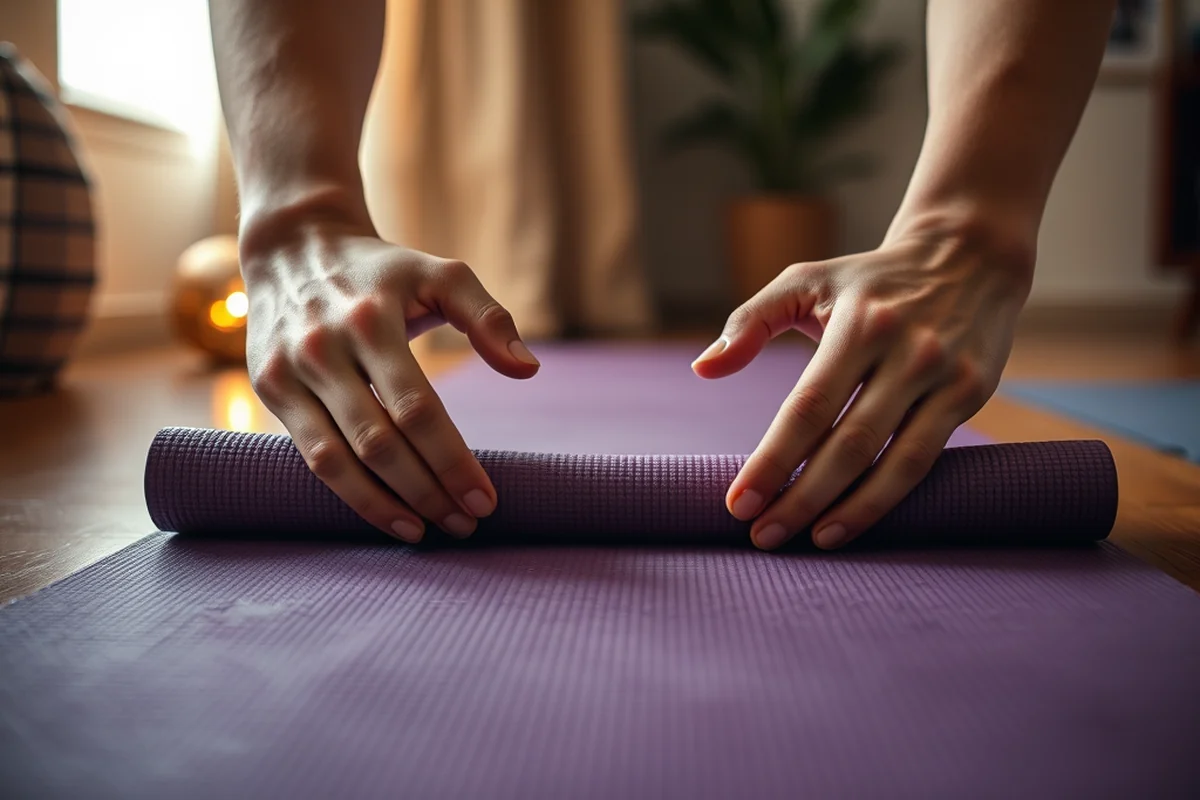
One of the most common health issues I've noticed among people who work at a desk is poor posture. Over time, this can lead to chronic pain, reduced mobility, and even long-term damage to the spine. That’s where posture-tracking desktop apps come in. These tools use your webcam to monitor your sitting position and alert you if you're slouching or leaning too far forward.
I started using one such app a few months ago, and the difference was immediate. The app would gently vibrate my mouse or display a warning on my screen whenever my posture deviated from the ideal position. At first, it was a bit annoying, but after a few weeks, I found myself naturally adjusting my posture without even thinking about it.
The app also offered posture correction exercises that I could do during short breaks. These exercises, which took just two to three minutes, helped me realign my spine and relieve the tension that had been building up in my shoulders and lower back.
Your posture is the foundation of your health—don’t ignore it.
Related: Standing desk habits progress guide
Stress Reduction Through Mindfulness Apps
Stress is a silent enemy that can slowly erode your health, but it doesn’t have to be. Mindfulness desktop apps offer a powerful tool for managing stress, even when you're busy with work or other responsibilities. These apps can be used in under five minutes and are often designed to fit seamlessly into your workflow.
I’ve used one such app that offers short, guided breathing exercises that you can do while sitting at your desk. It’s simple: the app guides you through a few deep breaths, helping you reset your focus and reduce the mental fatigue that comes from long hours of screen time. The best part is that these exercises can be done without interrupting your work entirely.
Over time, I’ve noticed that using this app on a regular basis has helped me feel more relaxed and centered, even during the most stressful days. It’s not a substitute for therapy or deep meditation, but it’s a valuable tool for managing stress in the moment.
If you’re struggling to find time for mindfulness, set a daily reminder on your app to take a short break. Even two minutes of deep breathing can make a difference.
“I remember the first time I sat down at my desk for hours, my posture slumped, my eyes burning from the screen, and my mind…”— Standhabit editors
Related: Affordable standing desk habits progress tracking
Encouraging Movement with Micro-Breaks

Sitting for long periods without movement can lead to a host of health problems, from muscle stiffness to reduced circulation. That’s where desktop apps that encourage micro-breaks come in. These apps can remind you to stand up, stretch, or take a short walk every few hours, helping you stay more active throughout the day.
I’ve been using an app that reminds me to take a two-minute stretch every 45 minutes. At first, I found it a bit disruptive, but after a few weeks, I noticed that I felt more energized and focused during the day. The app even offered a variety of stretches, so I wasn’t doing the same thing every time.[2]
The best part is that these micro-breaks don’t take much time. Just two minutes of movement can help reset your body and mind, making you more productive and alert for the rest of the day.
Related: Best standing desk habits progress
Tracking Health Metrics with Desktop Apps
Not all desktop apps are the same, and some are designed to track specific health metrics over time. These apps can offer valuable insights into how your posture, breathing, and movement patterns change throughout the day. This data can be used to identify trends and make adjustments to improve your overall health.
One app I’ve been using tracks my posture throughout the day and gives me a weekly summary of how often I slouched or leaned forward. This information has helped me make small but meaningful changes in how I sit and work. It’s like having a personal trainer watching over my shoulder, but without the pressure.
The app also gives me a daily report on how many micro-breaks I’ve taken and how long I’ve been sitting without moving. This data has been incredibly helpful in keeping me accountable and motivated to stay on track with my health goals.
Related: Simple standing desk habits progress tracking
Customizing Your Experience with Desktop Apps
One of the great things about desktop apps is that they’re highly customizable. You can adjust the frequency of your reminders, choose the type of exercises you want to do, and even set specific goals for yourself. This level of customization makes it easier to stay committed to your health routine.
For example, I’ve been able to set my micro-break reminders to go off every hour instead of every 45 minutes, which works better with my schedule. I’ve also customized the app to play a specific sound when it’s time to take a break, which helps me stay more alert and focused.[3]
The more personalized your experience, the more likely you are to stick with your health routine. It’s all about finding the right balance that works for you.
Customization is key—your health routine should fit your life, not the other way around.
Related: Simple standing desk habits progress
The Long-Term Benefits of Using Desktop Apps
I’ve been using these apps consistently for over two months now, and the results have been nothing short of remarkable. My posture has improved significantly, my focus has gotten sharper, and I’ve noticed that I’m more energized throughout the day. It’s not an overnight transformation, but the small, consistent changes have added up over time.
One of the most surprising benefits has been the improvement in my overall mood. I used to get easily frustrated during long workdays, but now I find that I’m more patient and more productive. It’s like the apps have helped me develop a more balanced and sustainable approach to work and life.
The real value of these apps lies in their ability to support long-term health habits. When used consistently, they can become a powerful tool for making lasting changes in your daily routine.
🔄 5-Minute Reset
A quick session with a posture app and a few breathing exercises to refresh your focus and energy.
🪑 Desk-Friendly Routine
A series of stretches and posture checks designed to be done while sitting at your desk.
🧭 Beginner's Guide
A gentle introduction to using desktop apps, with simple reminders and basic exercises to get you started.
📈 Progression Plan
A structured program that gradually increases the intensity and variety of exercises and reminders as you build your routine.
🛠️ Maintenance Mode
A low-effort, long-term approach to maintaining good posture and focus with minimal daily engagement.
| The mistake | Why it happens | The fix |
|---|---|---|
| Ignoring the app's feedback | If you ignore the app’s feedback, you may not see the benefits it’s meant to provide. Consistency is key to seeing long-term improvements. | Make sure to pay attention to the app’s prompts and take the recommended actions, even if they feel small or insignificant at first. |
| Using the app as a crutch | Relying too heavily on the app can prevent you from developing your own awareness of your posture and habits. | Use the app as a tool, but also practice being mindful of your own body and movements throughout the day. |
| Using the app for too long at once | Using the app for extended periods can lead to fatigue or overexertion, especially if it involves movement or breathing exercises. | Take breaks from the app as needed and use it in short, manageable intervals that fit your schedule. |
| Not customizing the app for your needs | A one-size-fits-all approach may not be effective for your specific schedule or health goals. | Take the time to customize your settings and adjust the app to fit your lifestyle and preferences. |
What Is Desktop Apps
Common Questions
Do I need any special equipment to use these apps?
How long does it take to see results from using these apps?
Can I use these apps while working on other tasks?
Are there any risks or side effects to using these apps?
References
- O365 Apps for Desktop Tutorials - Belmont University (belmont.edu)
- Google Meet and Drive for Desktop - Carleton College (carleton.edu)
- Interactive Apps | Blugold Center for HPC Documentation (docs.hpc.uwec.edu)
- Microsoft Remote Desktop Connection (doit.missouri.edu)
Cite this guide
Standhabit (2026). What Is Desktop Apps and How Do They Work?. https://standhabit.com/what-is-desktop-apps/
Feel free to cite or share this guide.
Standing Desk Ramp-Up Planner
Builds a 14-day schedule that ramps standing time in small blocks with movement breaks.
Open it free →